What Is a Screen Annotation Tool and When Should You Use One?
A simple guide to screen annotation tools, written for people who teach, present, support customers, or explain software on calls.
Read the full articlePractical advice for teachers, support teams, and anyone who uses screen markup on Windows. Every guide is designed to help you annotate faster and keep the presentation simple.
A simple guide to screen annotation tools, written for people who teach, present, support customers, or explain software on calls.
Read the full article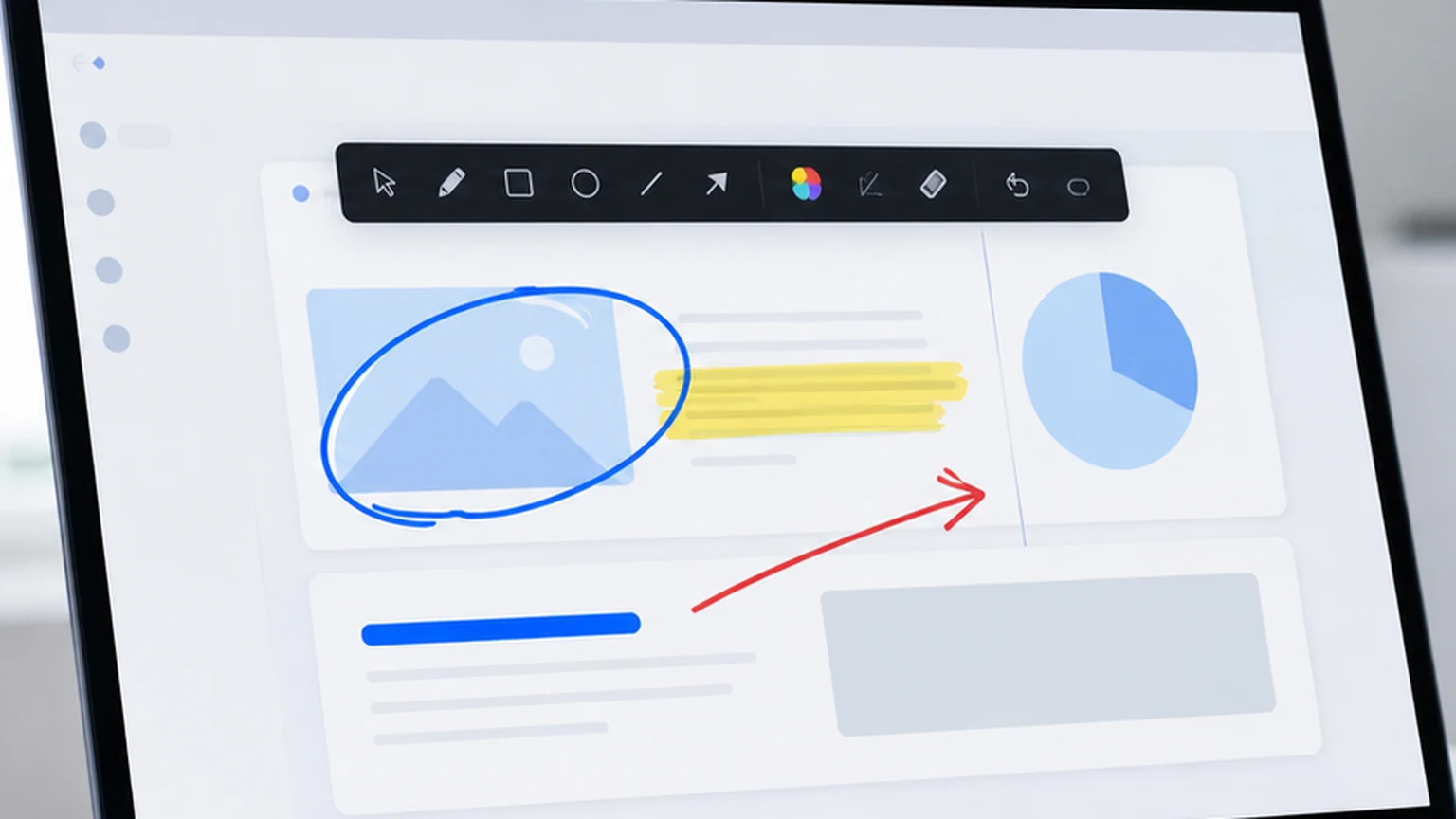
PenSlide is now available for macOS. Download the Mac version and use PenSlide to draw, highlight, annotate, and present on your screen.
Read the full article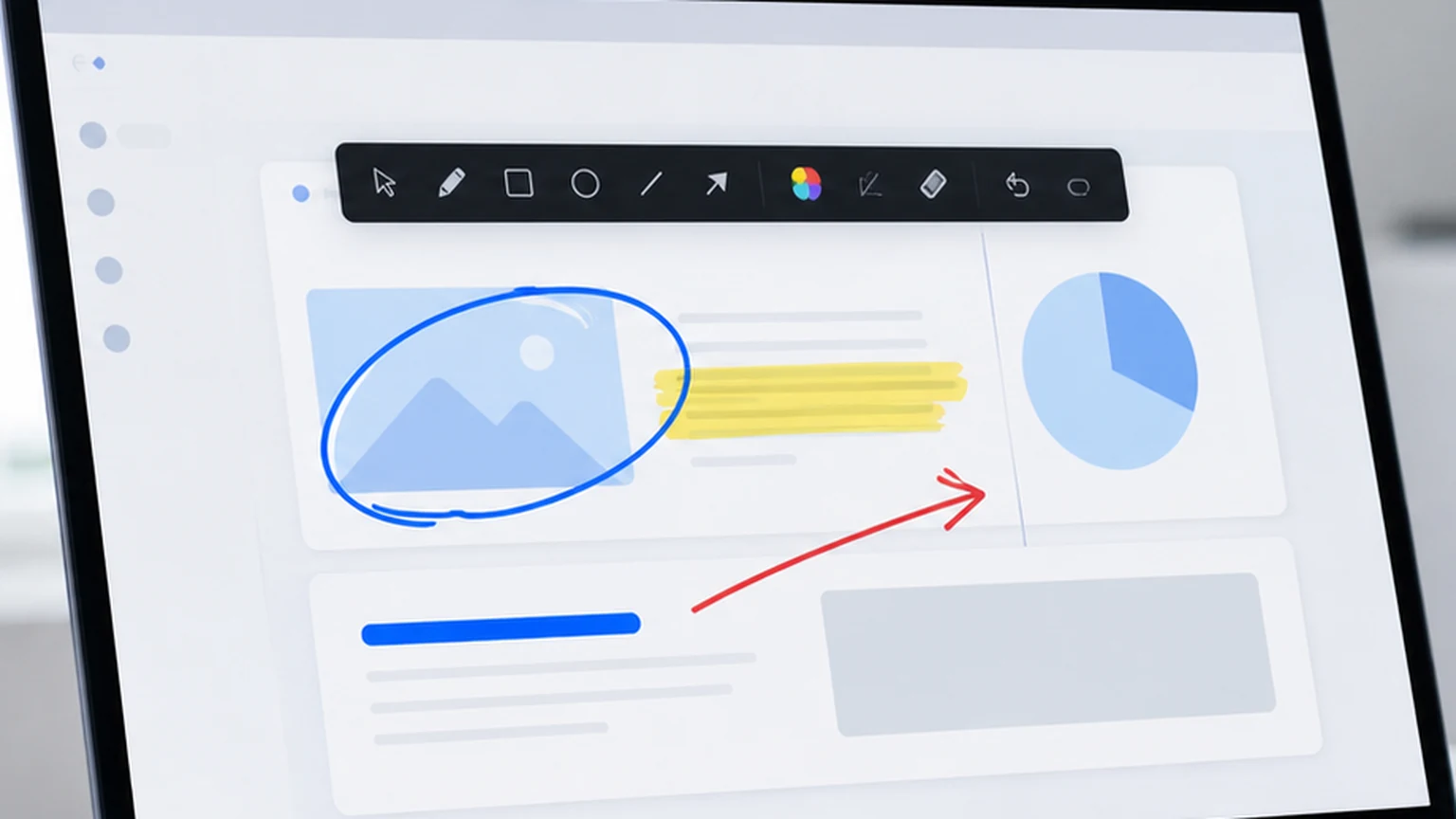
Portable screen annotation tools are ideal when you need to move between devices or avoid installing anything. This guide explains what to choose and why portability matters.
Read the full article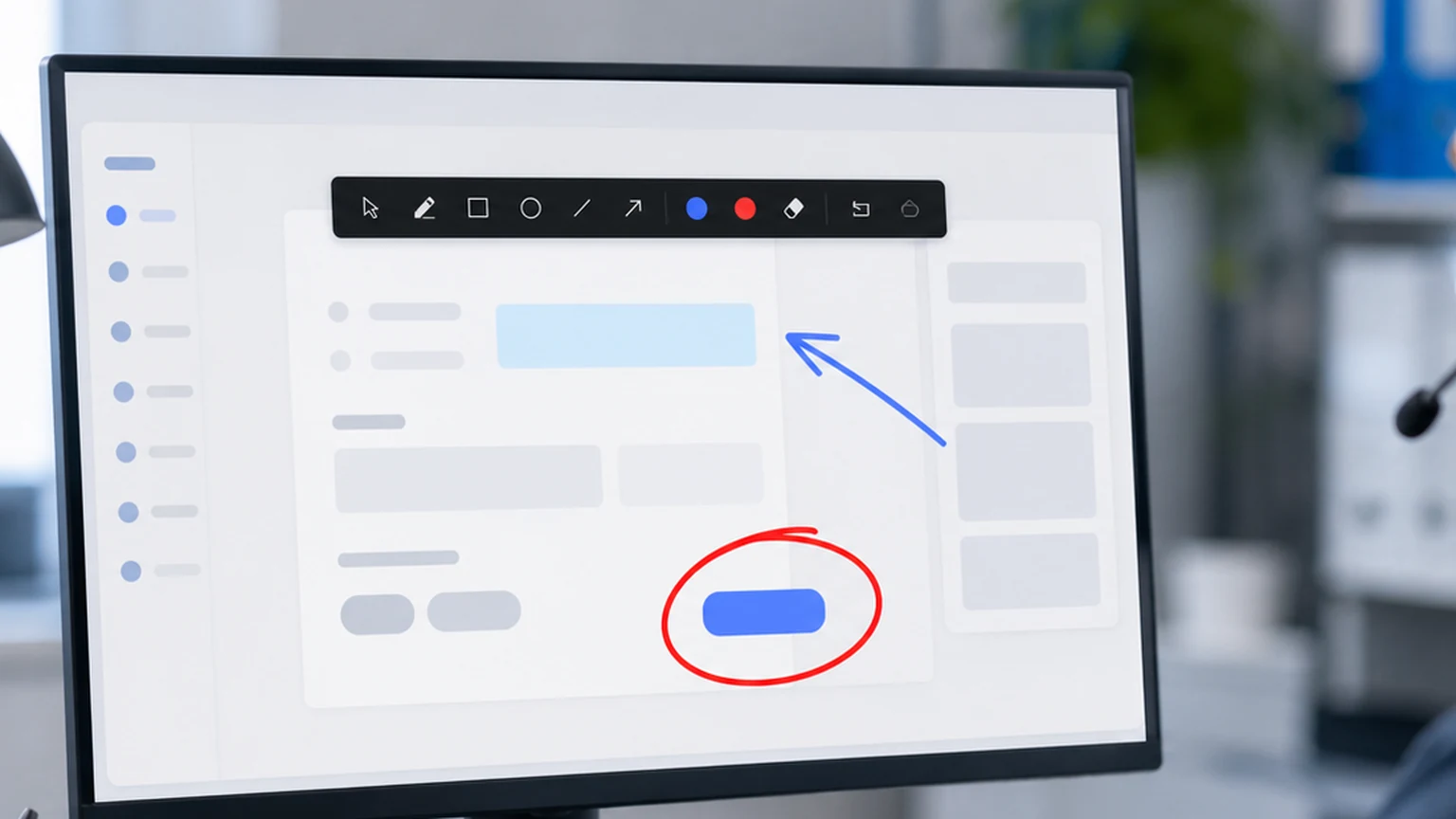
Remote support calls improve when you can mark the screen directly. This article highlights the tools and habits that help technicians explain issues faster.
Read the full article
Annotation software on Windows should stay out of the way. This article explains the features that matter when you want fast markup without slowing your workflow.
Read the full article Highlighting on screen can keep remote meetings on track. This article shows how to do it clearly, without covering up the content you want people to see.
Read the full article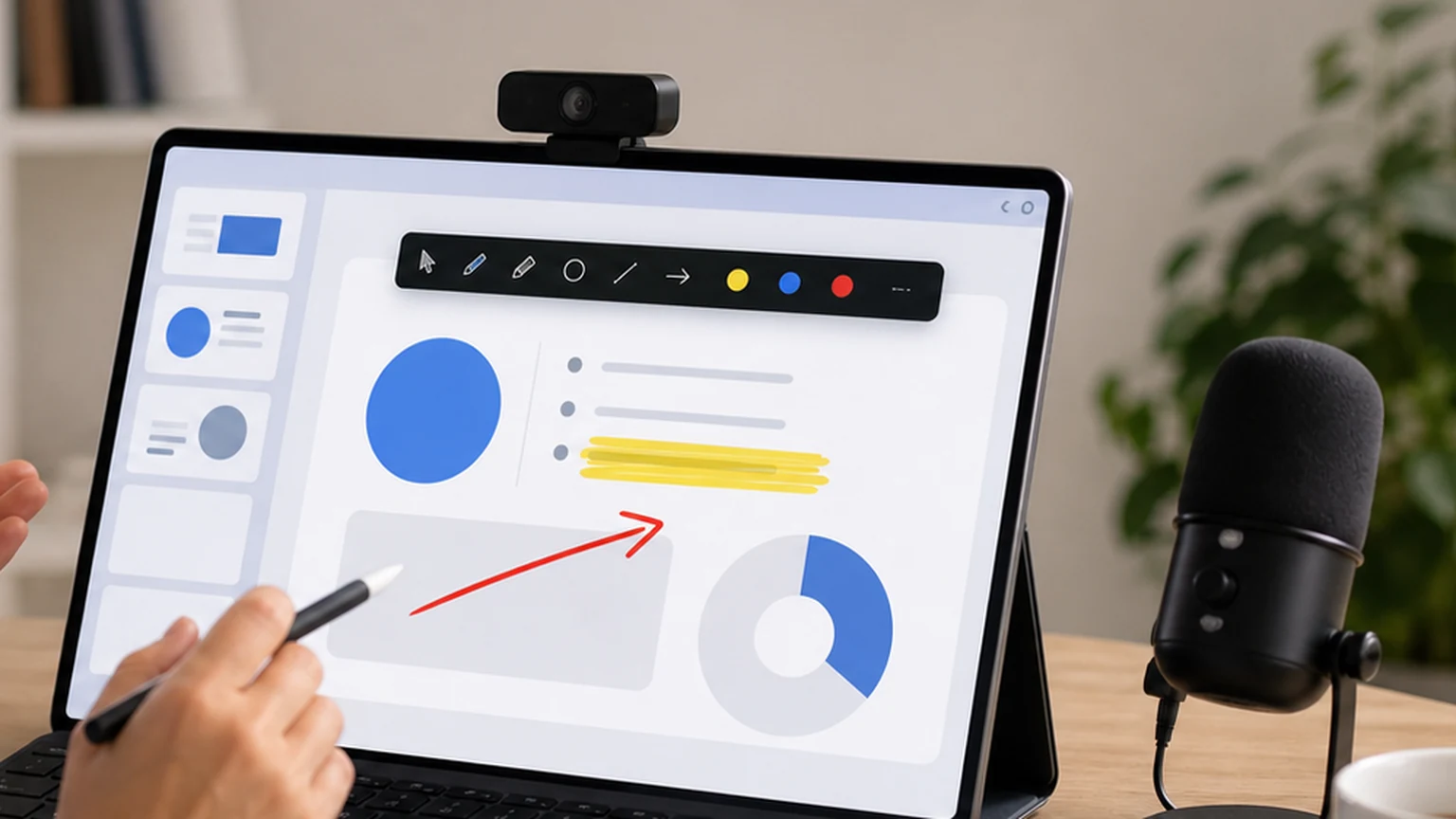
Teachers need tools that keep live teaching focused and easy to manage. This guide covers presentation tools that work best with screen annotation and quick notes.
Read the full article Live screen markup is useful in training and support. This article explains how to choose an app that stays fast and helps you keep the screen clear.
Read the full article Epic Pen is popular, but it can feel cluttered. This article shows what a cleaner alternative looks like for live annotation and support workflows.
Read the full article ZoomIt is useful, but some users want a simpler tool with a smaller interface. This article explains what makes a better modern screen annotation alternative.
Read the full article A screen highlighter tool can make a key detail clear in lessons and meetings. This article focuses on tools that let you highlight without hiding the rest of the screen.
Read the full article A real guide to annotating your screen during presentations without distracting your audience. Learn practical steps that keep the message clear and useful.
Read the full article Desktop annotation software should feel easy to open and quick to use. This article compares real workflows and shows what to choose when speed matters.
Read the full article A look at why screen drawing apps are becoming a standard tool for tutorials, support calls, and training sessions, including the features that matter most.
Read the full article The best annotation tool for teachers and trainers should be fast, easy to use, and low friction. This guide explains what to look for in real teaching scenarios.
Read the full article A step-by-step approach to drawing directly on your Windows screen without juggling heavy apps, showing what works best for quick notes and explanations.
Read the full article A practical guide to choosing a free Windows screen annotation tool that stays lightweight, easy to open, and useful for meetings, training, and support sessions.
Read the full article