PenSlide pricing and plan comparison
Choose the right PenSlide Pro app for PDF annotation, live screen markup, or both.
PenSlide gives you simple pricing for real annotation work. Compare PenSlide Pro PDF Annotator, PenSlide Pro, PenSlide Pro Universal Annotator, and the Full Bundle before you buy.
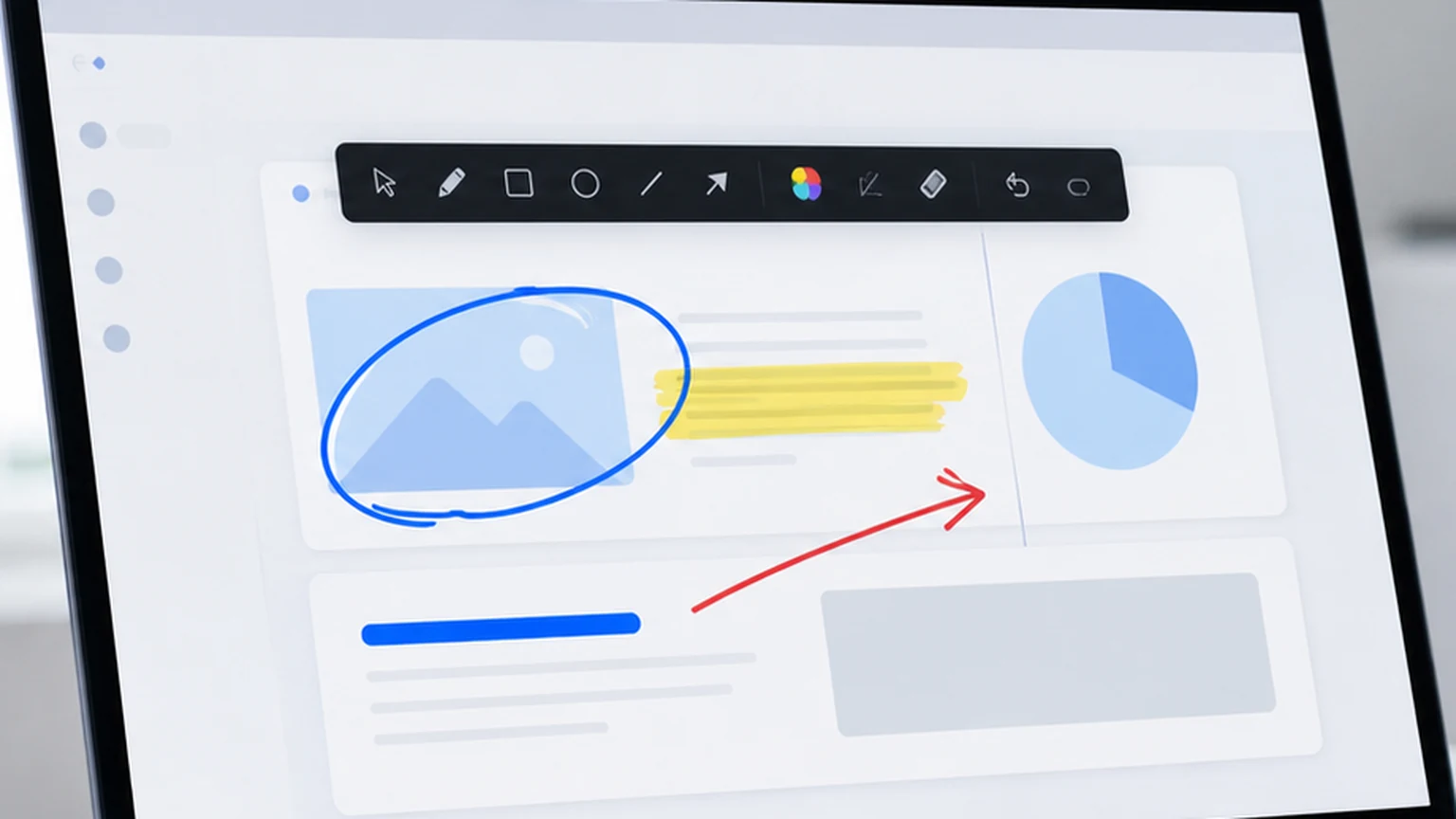
Use PenSlide Free first, then upgrade only when you need full PDF saving, live presentation tools, universal file annotation, or the best-value bundle.
PenSlide Pro pricing
These realistic launch prices keep PenSlide affordable while still positioning it as a serious desktop annotation tool for teachers, trainers, presenters, support teams, students, and professionals.
PenSlide Pro PDF Annotator
$4.99 / month
$39 per year or $69 lifetime
PDF review, document markup, stamps, signatures, images, and full-document PDF saving.
- Full PDF annotation workflow
- Save the whole annotated PDF
- Stamps, signatures, images, and formatted text
- Merge PDFs and export page ranges
- Editable PenSlide project files
PenSlide Pro
$5.99 / month
$49 per year or $79 lifetime
Live screen annotation, teaching, meetings, software demos, training, and presentation markup.
- Draw and highlight on the screen
- Use live annotation during meetings
- Advanced whiteboard tools
- Multi-page boards and editable projects
- Recording and export workflows
PenSlide Pro Universal Annotator
$7.99 / month
$59 per year or $99 lifetime
Opening supported files, annotating PDFs and converted documents, and using live screen annotation when needed.
- Open supported files inside PenSlide
- Annotate PDFs, images, text, CSV, Markdown, and Office files when conversion is available
- Use screen annotation for unsupported files
- Full PDF workflow and project saving
- Best all-in-one PenSlide option
PenSlide Full Bundle
$9.99 / month
$79 per year or $129 lifetime
Users who want PDF annotation, live screen annotation, and universal file annotation in one simple purchase.
- Best value for power users
- Includes PDF and live screen workflows
- Useful for teachers, trainers, support teams, and presenters
- Simple yearly or lifetime pricing
- Lower cost than buying separate tools
Recommended launch offers
For the first public release, use launch pricing to make early buyers feel rewarded without making the product look cheap.
Pro PDF launch offer
$29/year for PDF-heavy users who need stamps, signatures, image insertion, merge, split, search, and full-document save.
PenSlide Pro launch offer
$39/year for teachers, trainers, support staff, and presenters who annotate live screens and meetings.
Full Bundle launch offer
$69/year for users who want PDF annotation, screen annotation, and universal file annotation together.
PenSlide feature comparison
The best PenSlide app depends on how you work. The PDF app is strongest for documents. PenSlide Pro is strongest for live screen annotation. Universal is the broadest all-in-one option.
| Feature | Pro PDF | PenSlide Pro | Universal Pro | Full Bundle |
|---|---|---|---|---|
| Draw and highlight on screen | No | Yes | Yes | Yes |
| Open and annotate PDFs | Yes | Limited | Yes | Yes |
| Full PDF save | Yes | No | Yes | Yes |
| Stamps and signatures | Yes | No | Yes | Yes |
| Image insertion and pasted images | Yes | No | Yes | Yes |
| Editable project files | Yes | Yes | Yes | Yes |
| Open supported non-PDF files | No | No | Yes | Yes |
| Live meeting and presentation annotation | No | Yes | Yes | Yes |
| Best for teachers and trainers | Good | Excellent | Excellent | Excellent |
| Best for PDF-heavy office work | Excellent | Good | Excellent | Excellent |
Screenshots from PenSlide apps
PenSlide is practical software, so the pricing page should show the actual kind of work users can do with it: PDF markup, screen annotation, training notes, and universal annotation workflows.
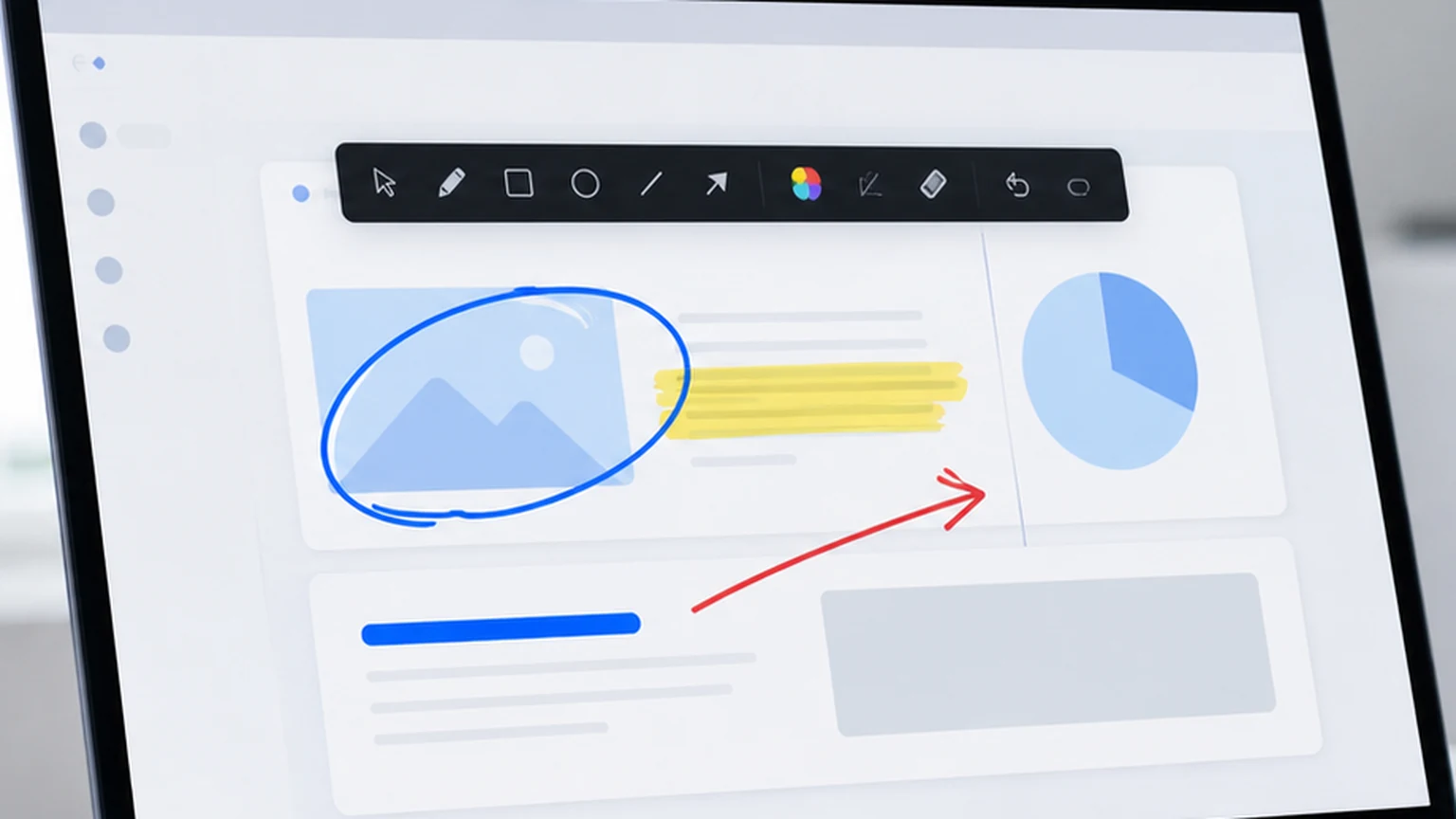
PenSlide Pro PDF Annotator
PDF review, document markup, stamps, signatures, images, and full-document PDF saving.
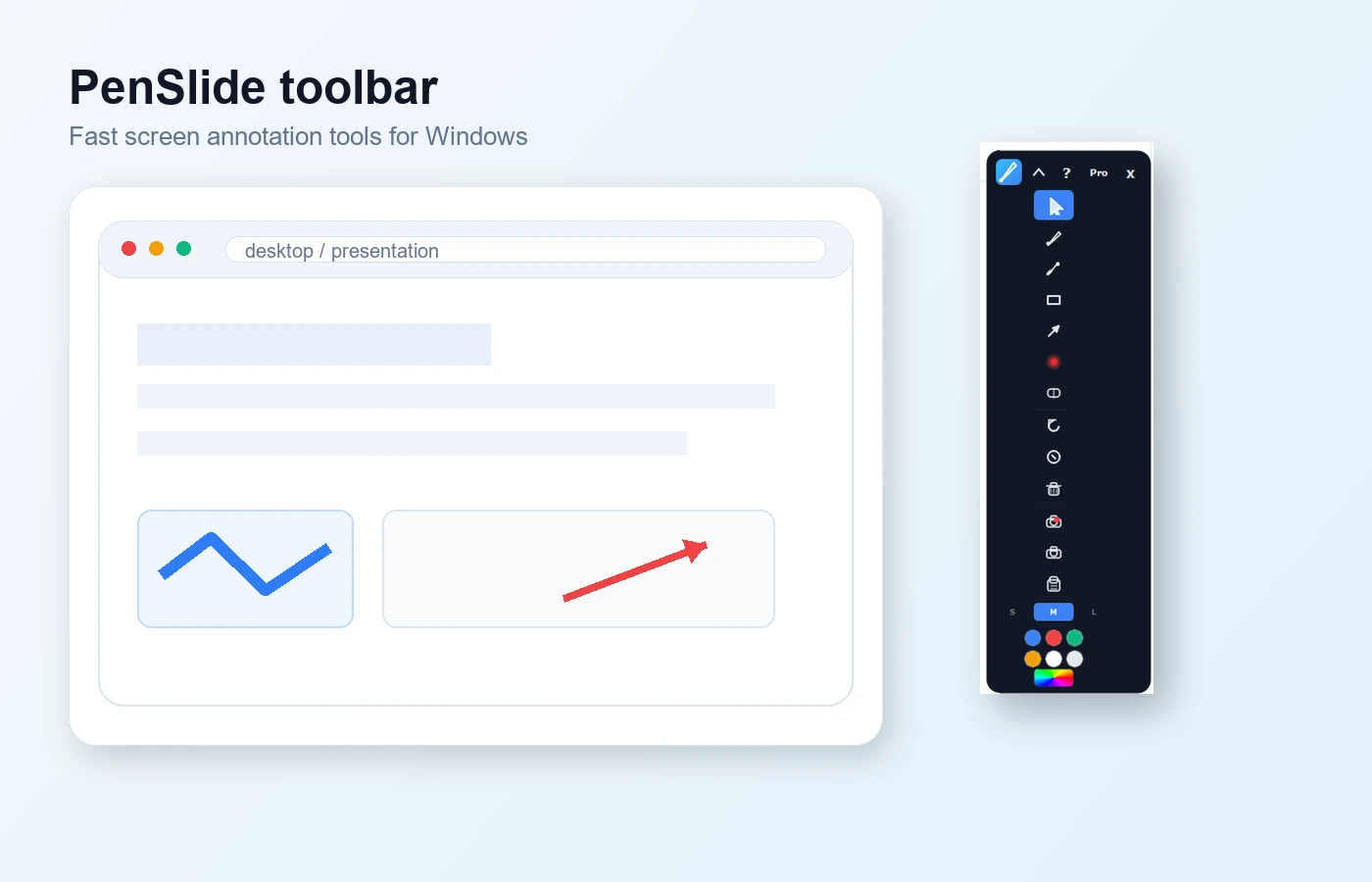
PenSlide Pro
Live screen annotation, teaching, meetings, software demos, training, and presentation markup.
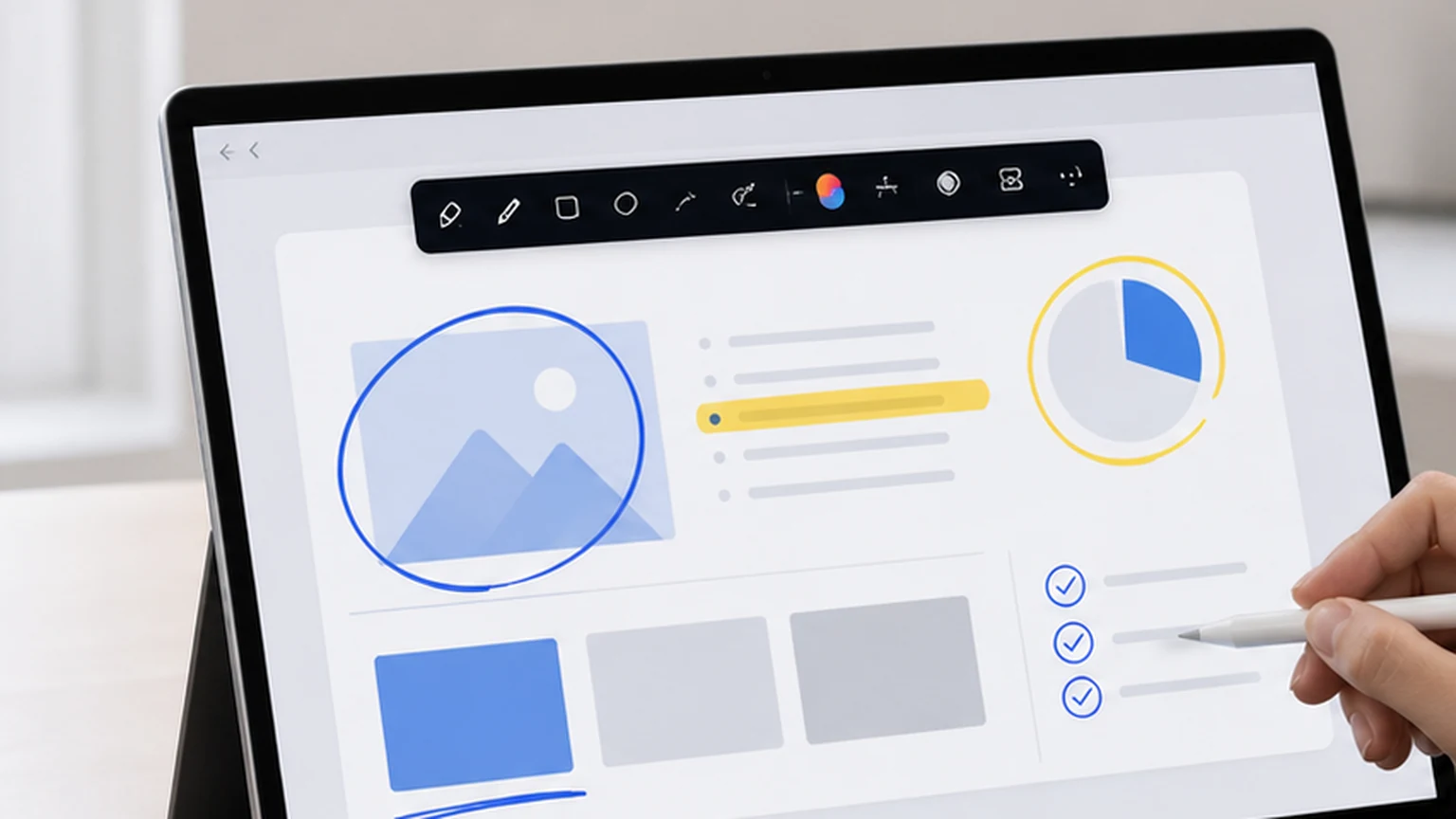
PenSlide Pro Universal Annotator
Opening supported files, annotating PDFs and converted documents, and using live screen annotation when needed.

PenSlide Full Bundle
Users who want PDF annotation, live screen annotation, and universal file annotation in one simple purchase.
Which PenSlide plan is best for you?
For PDF documents
Choose PenSlide Pro PDF Annotator when you mainly review contracts, worksheets, reports, forms, manuals, screenshots saved as PDFs, or training documents.
For live teaching and meetings
Choose PenSlide Pro when you need to explain things live on screen, draw over slides, guide a customer, teach a class, or mark up a shared screen.
For the broadest workflow
Choose Universal Pro or the Full Bundle when you want one annotation workflow for supported files, PDFs, screenshots, online meetings, and presentations.
Why PenSlide pricing is different
Many annotation tools are either too limited, too expensive, or too focused on only one workflow. PenSlide keeps the decision simple: start free, choose the focused Pro app you need, or buy the bundle when you want everything.
Cheaper than large PDF suites
PenSlide is priced below heavy PDF editor suites because many users only need fast annotation, not a full document production platform.
Built for real working moments
The tools are made for explaining, teaching, reviewing, and supporting people, not just editing static documents after the meeting is over.
Clear upgrade path
Free users can try the workflow first. Pro users can choose PDF, screen annotation, universal annotation, or the bundle without confusion.
PenSlide pricing FAQ
Which PenSlide app should I buy?
Choose PenSlide Pro PDF Annotator if your main work is PDF markup. Choose PenSlide Pro if you mostly draw on screen during lessons, meetings, or presentations. Choose PenSlide Pro Universal Annotator if you want the broadest file and screen annotation workflow.
Is PenSlide Free still available?
Yes. PenSlide Free remains available for users who need basic screen annotation and quick markup.
Why does PenSlide have separate Pro apps?
Different users work in different ways. Some people mainly review PDFs. Others teach or present live. Others need a universal annotator that handles supported files and screen annotation together.
Can I use PenSlide during online meetings?
Yes. PenSlide Pro and PenSlide Pro Universal Annotator are useful for Zoom, Teams, Google Meet, training sessions, product demos, and remote support calls.
Can I annotate training materials and screenshots?
Yes. PenSlide is designed for practical annotation tasks such as screenshots, training slides, lesson material, support notes, and review documents.
Does the PDF annotator save the whole PDF?
Yes. PenSlide Pro PDF Annotator is built for full-document PDF annotation, including saving the complete marked-up PDF.
Is there a lifetime license?
The recommended pricing includes a lifetime option for users who prefer a one-time purchase instead of a subscription.
Which plan is the best value?
The Full Bundle is the best value if you need PDF annotation, live screen annotation, and universal file annotation workflows.
Start with PenSlide Free, then upgrade when you need Pro tools.
Download PenSlide, try the annotation workflow, and choose the Pro app that fits your work.